Protect your website with automated DNS monitoring.
Detect DNS issues before they impact your users. Get instant alerts for DNS record changes and outages with our advanced monitoring service.
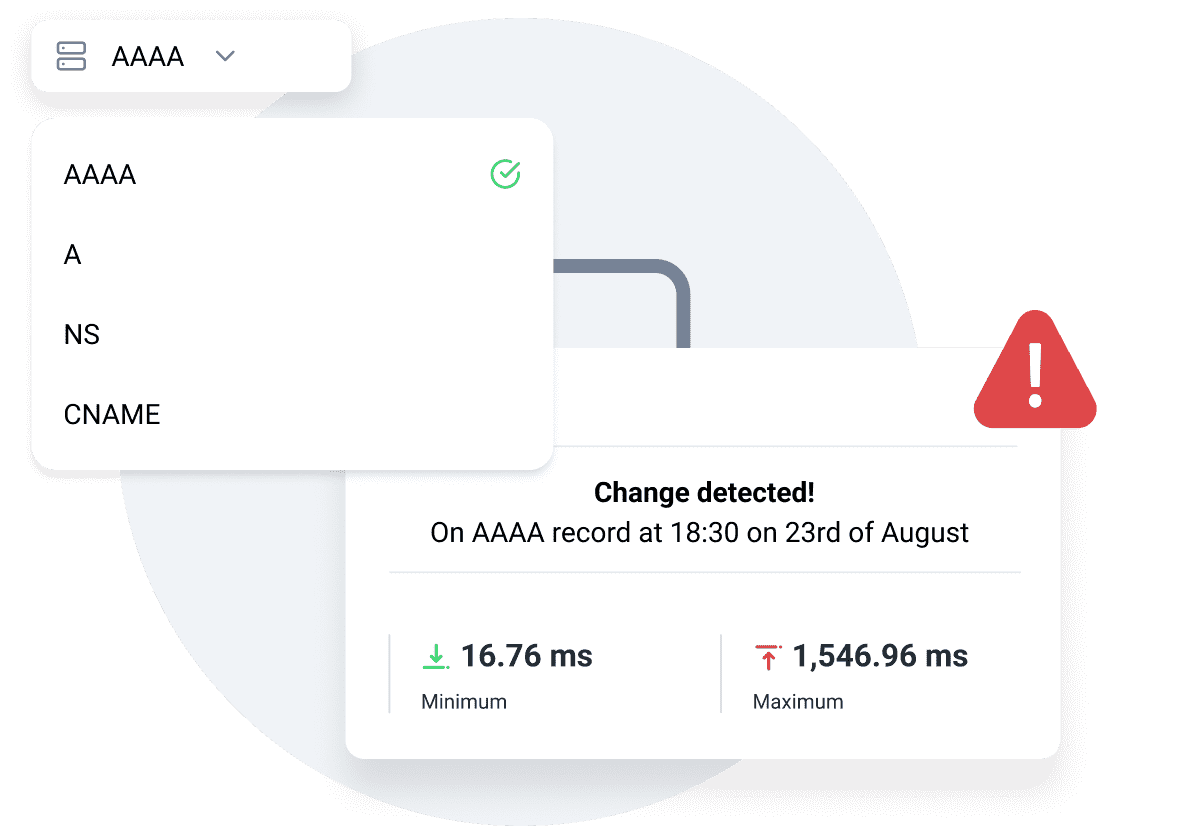
Monitor all DNS records.
Track A, NS, CNAME, SOA, PTR, MX, TXT, AAAA, SRV, DS, NSECC, DNSKEY, NSEC3, SPF records for any unexpected changes. It helps you keep your domain settings secure and consistent at all times.
Instant alerts on changes
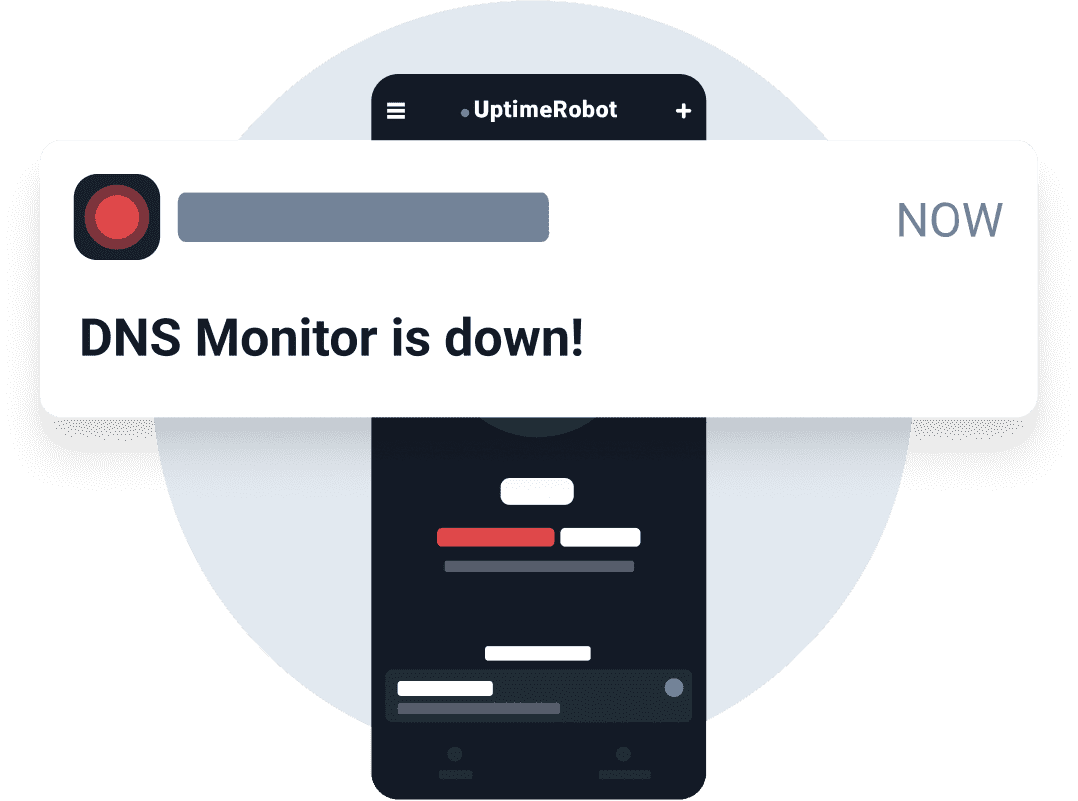
Get notified immediately when a DNS record is modified, added, or deleted. This way, you can act fast to fix issues before they cause downtime or security risks.
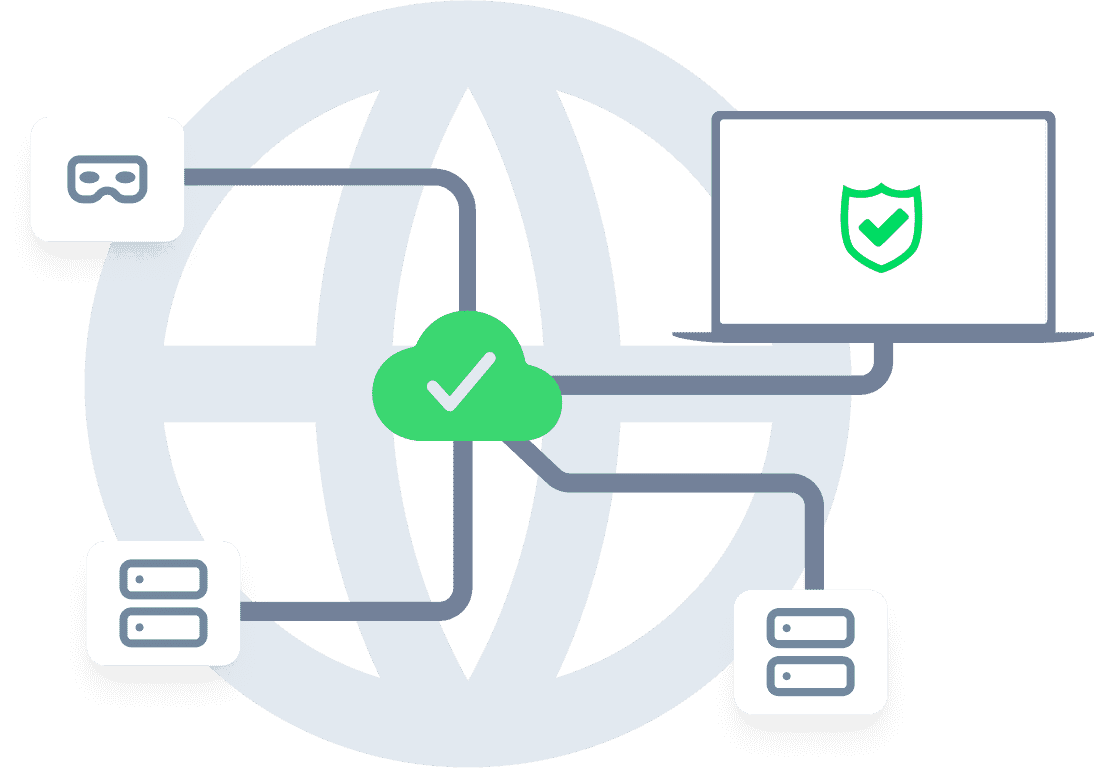
Prevent downtime and security risks.
DNS monitoring helps you detect accidental or malicious changes before they affect your website visitors. Stay in control and keep your services running smoothly without disruptions.
Easy and quick setup.
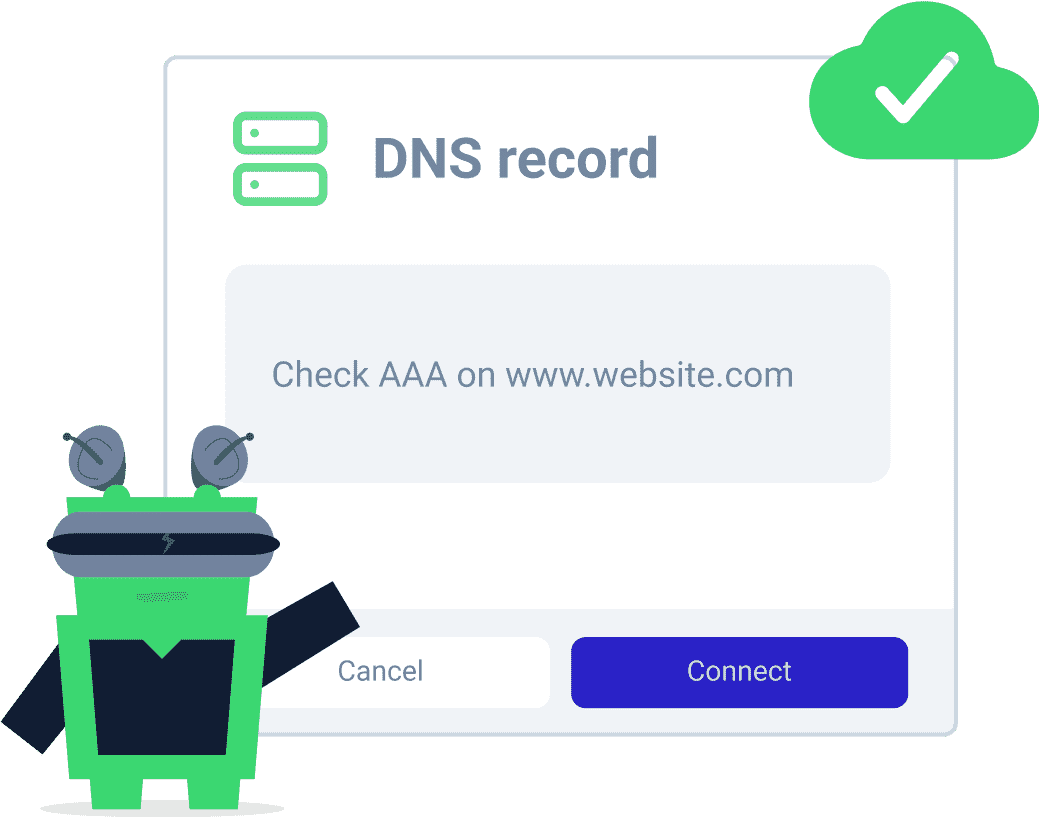
Add your domain and choose which records you want to monitor. Setup only takes a few minutes, and you’ll start receiving alerts automatically if anything changes.
All you really care about
monitored in one place.






Advanced features for advanced users.
 Recurring notifications
Set threshold and recurrence parameters so that you don't miss any serious outage.
Maintenance windows
Set up maintenance windows to pause the monitoring during the maintenance.
Incident management
Get a single overview of all incidents. Filter by status, root cause, or custom tags, tag teammates for instant collaboration, and push updates to your status pages.
Response time monitoring
See your response times in a chart and get alerts when your website or service responds slower than usual.
Multi-location checks
Create monitors with specific monitoring regions you can choose and catch issues that only appear in specific locations.
SMS and voice call notifications
No internet? We can call or text you when something goes wrong.
Set up DNS monitoring in seconds.
1 Add your domain
Enter the domain you want to monitor in your dashboard.
2 Select records to monitor
Choose specific DNS record types or monitor them all.
3 Receive instant alerts
Get notified via email, SMS, or integrations like Slack when changes happen.
Start monitoring your DNS records today
Available on Solo, Team, and Enterprise plans
Frequently asked questions.
What is DNS and why do DNS records matter?
DNS, or Domain Name System, translates domain names like yoursite.com into the IP addresses servers use to communicate. Every website visit, email delivery, and online service connection depends on DNS working correctly.
DNS records control where that traffic goes. If a record changes unexpectedly because of a misconfiguration, accidental edit, or security issue, websites and services can break even while the server itself stays online.
What DNS record types can I monitor with UptimeRobot?
UptimeRobot supports monitoring A, AAAA, CNAME, MX, NS, TXT, SOA, PTR, SRV, DS, NSEC, DNSKEY, NSEC3, and SPF records.
Teams commonly monitor A and AAAA records for website routing, MX records for email delivery, NS records for nameserver changes, and TXT records for SPF, DKIM, DMARC, and domain verification settings.
If a monitored DNS record changes unexpectedly, UptimeRobot sends an alert right away.
What kinds of problems does DNS monitoring catch?
DNS monitoring catches problems where the server is still online but the DNS records pointing to it are incorrect.
That can include A records pointing to the wrong IP address, broken MX records affecting email delivery, missing TXT records that impact SPF or DMARC authentication, outdated CNAME records, or unauthorized DNS changes caused by hijacking or account compromise.
In many of these cases, standard uptime monitoring may still report the service as online because the server itself is still responding.
What's the difference between DNS monitoring and domain monitoring?
DNS monitoring watches for unexpected changes to DNS records like A, MX, CNAME, or TXT entries. Domain monitoring focuses on the domain registration itself and alerts you before the domain expires.
For example, DNS monitoring can detect traffic being routed to the wrong server, while domain monitoring prevents outages caused by an expired registration.
Both cover different risks, so many teams use them together.
Can I monitor multiple domains and multiple records?
Yes, you can monitor multiple domains and multiple DNS records in UptimeRobot.
Each domain can have its own monitor, and you can track individual record types or monitor multiple records together. If you manage several domains or subdomains, you can monitor all of them from the same dashboard.
How do I set up DNS monitoring?
To set up DNS monitoring in UptimeRobot, add a DNS monitor in your dashboard and enter the domain or hostname you want to track.
Then choose the DNS record type you want to monitor, such as A, MX, CNAME, TXT, or NS, and enter the expected value for that record. UptimeRobot checks the record regularly and alerts you if it changes unexpectedly.
You can also choose monitoring locations to verify how DNS records resolve from different geographic regions.
Which plans include DNS monitoring?
DNS monitoring is available on Solo, Team, and Enterprise plans. If you're on a paid plan, DNS monitors count toward your overall monitor quota and can be used alongside your other monitor types.
How is UptimeRobot DNS monitoring different from a tool like DNSChecker?
DNSChecker and similar tools are designed for manual lookups. You enter a domain and check how DNS records resolve from different locations at a specific moment in time.
UptimeRobot DNS monitoring works continuously in the background. It compares your DNS records against the expected values you define and alerts you automatically if something changes unexpectedly.
One is useful for troubleshooting DNS changes manually. The other monitors for unexpected changes around the clock.

 Incident management
 IT alerting software
 Status pages